
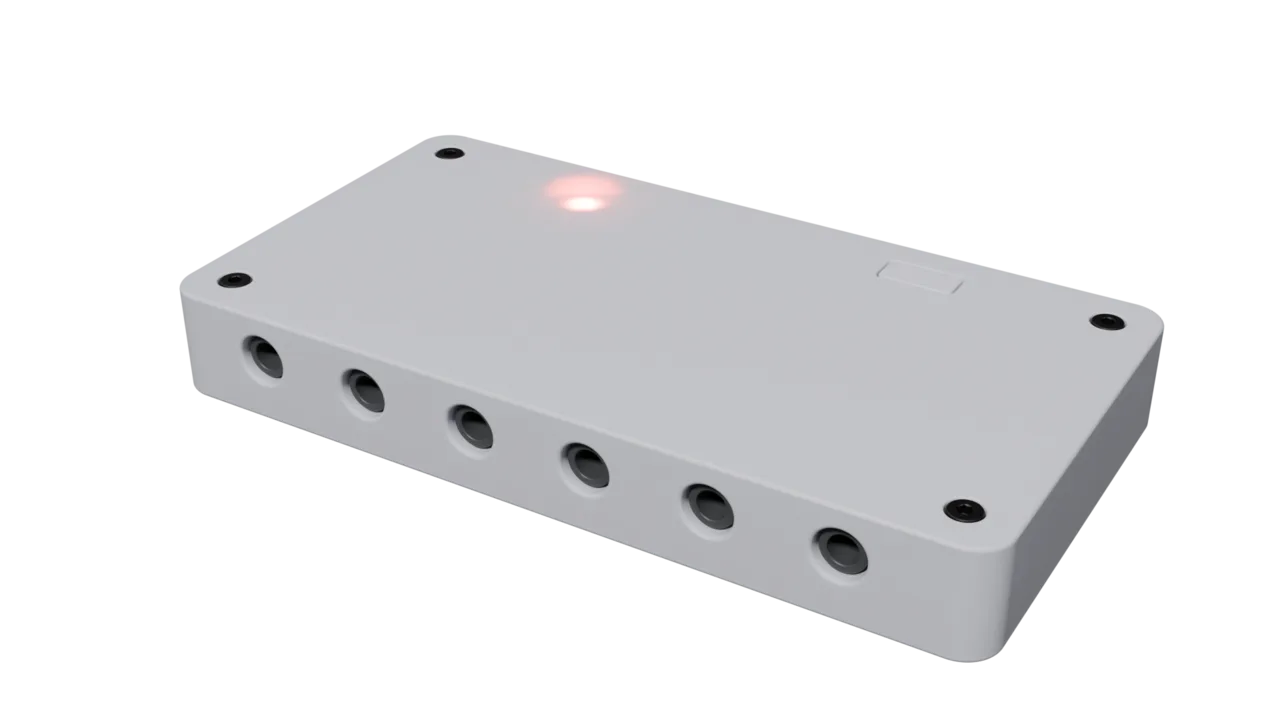
LibreBridge Mini
A Configurable Open Source Accessibility Switch Interface
6 reconfigurable accessibility ports, web-based configuration, and multiple operating modes. Community driven assistive technology you can build yourself or purchase at an affordable price.
Why Choose LibreBridge Mini?
Every aspect of the LibreBridge Mini is designed for flexibility and ease of use.
6 Ports and Powerful Logic
Any of the 6 accessibility ports can be reconfigured to send keystrokes or mouse actions. Logic can also be injected such as latch, latch on/off, time delay and more.
Web-Based Configuration
Configure your device easily through our intuitive web interface. No complex software installation or programming required. Configurations can be saved, re-used and shared.
Multiple Configurations
Support for up to 6 different configurations with customizable RGB LED indicators for easy identification.
Modern USB-C Connection
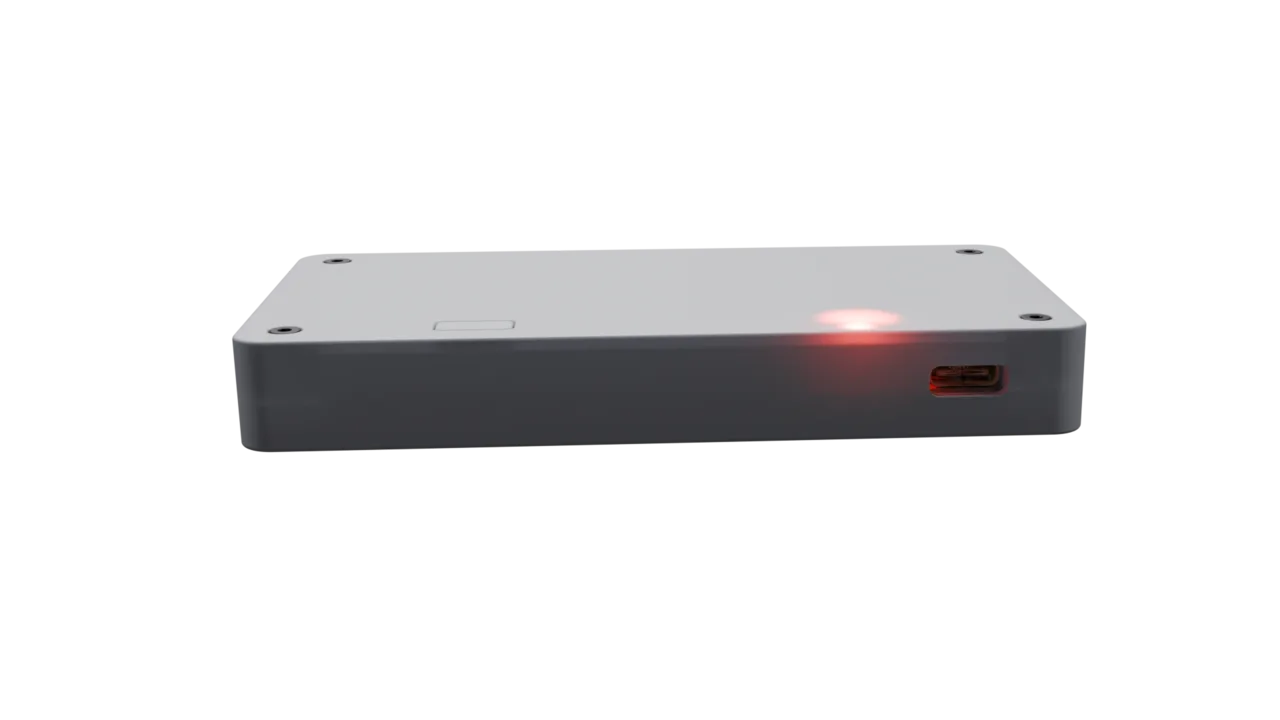
Single USB-C connection provides power, mass storage access for configuration, and HID keyboard/mouse functionality.
Dual Connectivity
HID keyboard/mouse actions can be sent over Bluetooth or USB-C. BLE support is currently experimental.
Cross Platform
Built to function with all mobile and desktop devices without any additional software.
How It Works
Simple setup, powerful functionality
Connect Your Device
Plug the LibreBridge Mini into your computer or mobile device via USB-C. It appears as a mass storage device for easy configuration.
Configure Online
Use our web-based configurator to set up your switch mappings, modes, and LED colors. Export as a simple JSON file.
Load Configuration
Copy the configuration file to your device and hold the mode button for 3 seconds to load your new settings.
Connect Your Switches
Connect your accessibility switches and start using your customized interface. Switch between modes with a single button press.
Technical Specifications
Hardware Features
- 6 accessibility switch ports (3.5mm)
- USB-C & Bluetooth connectivity
- RGB LED status indicator
- Mode selection button
- Mass storage device capability
- HID keyboard and mouse emulation
Software Features
- Up to 6 operating modes
- Human readable configuration file
- Web-based configuration tool
- Firmware upgradable in the field
Ready to Get Started?
Experience the flexibility and ease of use that makes assistive technology accessible to everyone.